Fast yesterday, slow today: when a TiDB plan flips without a code change
· Andres Kepler · TiDB Engineering
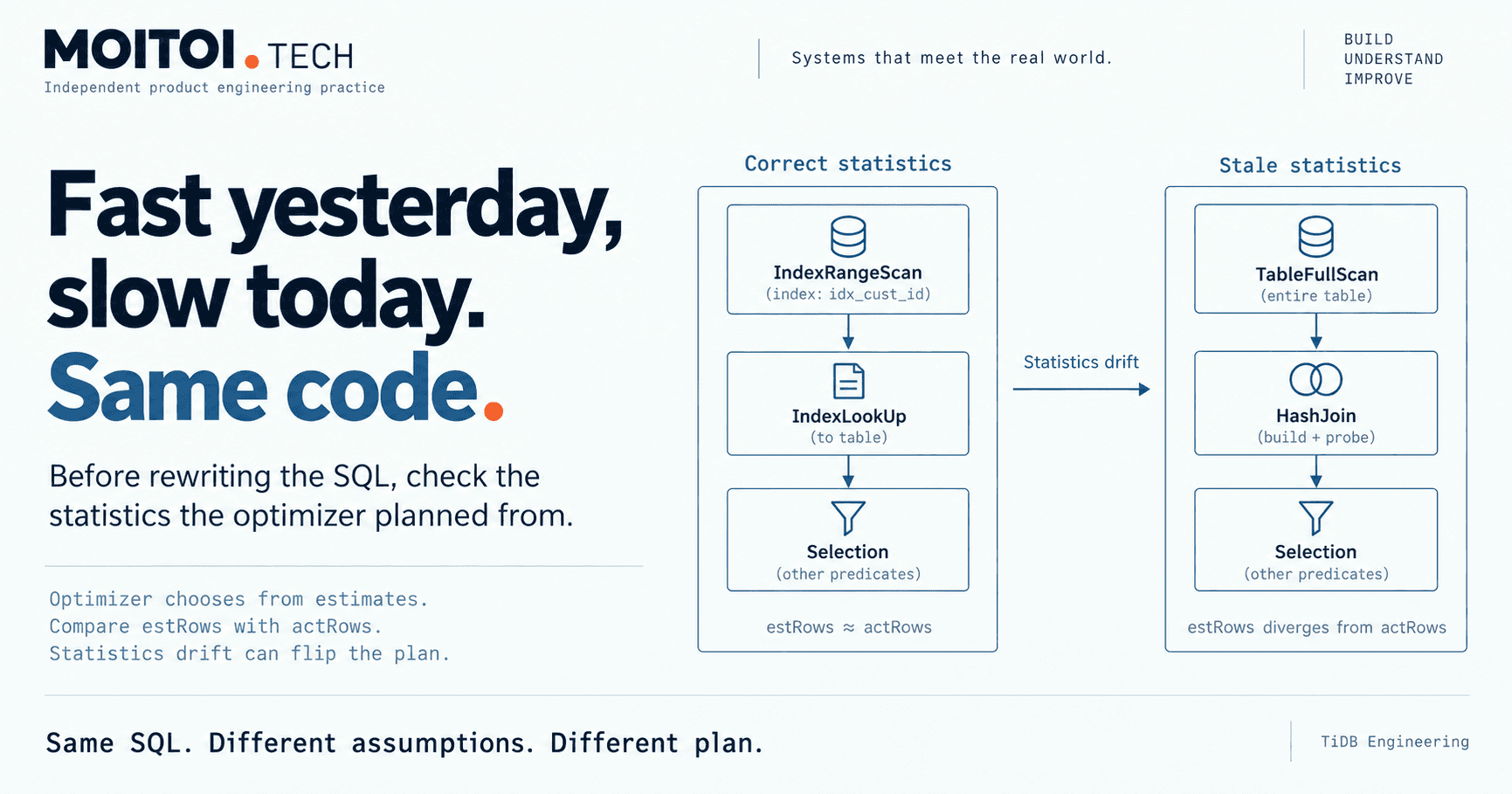
A TiDB query that was fast yesterday is slow today, and nobody touched the code. Before rewriting the SQL, check the statistics the optimizer planned from.
A query that was fast yesterday is slow today, and nobody has changed the code. The instinct is to look at the SQL. In TiDB, I start somewhere else: the statistics the optimizer used to choose the plan.
The optimizer plans from estimates, not from the data
TiDB's optimizer is cost-based. For each query it estimates how many rows every candidate step will touch, and it chooses the cheapest plan from those estimates. That one estimate decides a lot: which index to use, whether to read the index and then the table (IndexLookUp) or scan the table, which join algorithm and in what order, and how much work to push down to TiKV or TiFlash.
The important detail is where the estimates come from. They come from table statistics, not from the data itself. At table level, statistics hold the total row count and how many rows have changed since the last ANALYZE. At column and index level, they hold histograms of the value distribution, the most frequent values (TopN), the number of distinct values and null counts.
Correct statistics give good plans. Wrong statistics give confidently wrong ones. The optimizer plans for the table its statistics describe, whether or not that table still exists.
How a plan flips overnight
Statistics are refreshed by ANALYZE TABLE, and automatically once the share of modified rows passes tidb_auto_analyze_ratio, which is 0.5 by default. Auto-analyze also only runs within its configured time window.
That leaves a gap. A bulk load, a large delete or a backfill changes the data, and auto-analyze has not run yet. Or it ran in the middle of the change. Either way, the next time the query is planned, the optimizer works from a picture of the table that is no longer true. The SQL is identical. The plan is not.
The bulk change is the case I would check first, but it is not the only cause. Skewed data does the same thing: a few values account for most rows, and the query happens to hit one of them. Different parameter values can make the same query shape touch very different row counts. An upgrade can change the optimizer's cost model or defaults. In none of these cases did anyone touch the query.
How to confirm it, and keep it from happening again
The diagnostic is EXPLAIN ANALYZE. Plain EXPLAIN shows the plan the optimizer intends, with estimated rows (estRows) per operator and where each operator runs: on the TiDB server, or on TiKV or TiFlash. EXPLAIN ANALYZE runs the query and adds what actually happened: actRows, time and memory per operator.
Read it from the bottom of the plan up and compare estRows with actRows. Where they diverge by orders of magnitude, the optimizer was working from a wrong picture, and every decision above that point is suspect. A large gap points at statistics, not at the SQL. SHOW STATS_HEALTHY lists which tables have drifted since their last ANALYZE.
Fixing it once is not the hard part. Keeping it fixed is a matter of process. Run ANALYZE as part of any bulk data change, not afterwards by chance. For critical queries, bind the known-good plan with SQL plan management, or fix it with optimizer hints in the query. Lock statistics on tables whose statistics are known to be good and whose data should not move them.
Then decide which queries deserve that care from evidence, not guesswork. The slow query log and the statements summary tables show where to look, and the latency of those queries should be tracked over time.
So when a fast query turns slow with no code change, I do not start by rewriting it. I compare what the optimizer expected with what it found, and I look at what happened to the data since statistics were last collected.
The full guide, with the commands and the plan-stability options, is at https://moitoi.tech/tidb/query-plans-and-statistics
The detail: moitoi.tech/tidb/query-plans-and-statistics · Discuss it on LinkedIn